Comparison Algorithms
The algorithm controls how Diffract aligns lines when it computes which parts changed. Different algorithms produce different alignments for the same pair of files. Choosing the right one makes the result easier to read.
Tip
If the default alignment looks wrong - for example, it aligns a closing brace to the wrong block - try Histogram first.
Note
For very large files (more than 50,000 combined lines), all three algorithms automatically fall back to a fast linear comparison regardless of which one is selected.
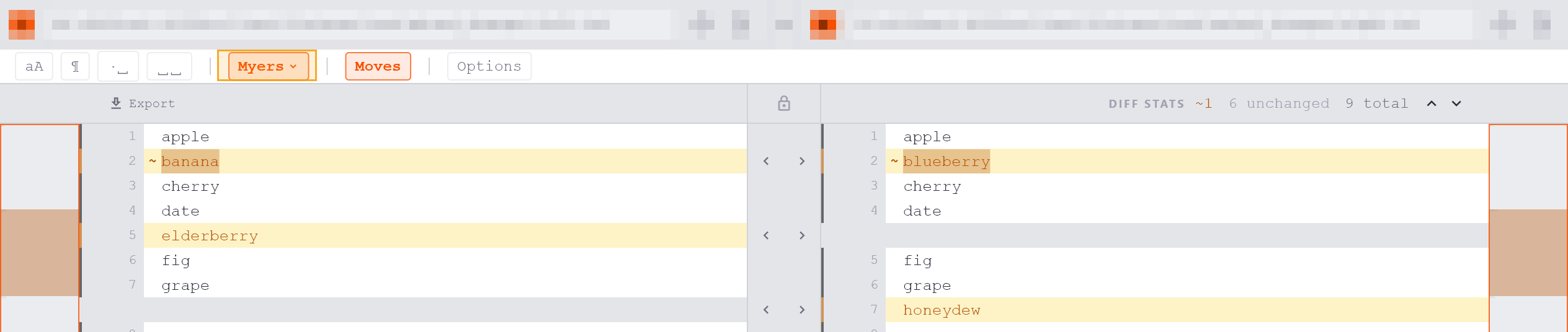
Myers (default)
Technical summary: O(ND) algorithm that finds the shortest edit sequence between two files.
Myers is accurate and fast for the widest range of files. It minimises the total number of insertions and deletions, which usually produces an intuitive alignment.
Best for: general-purpose use and small, incremental changes where you want the fewest highlighted lines.
Patience
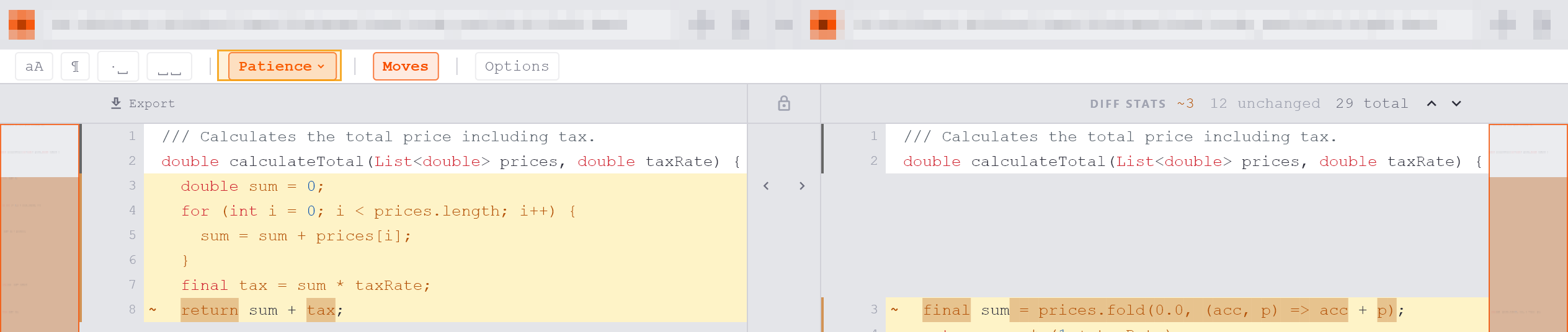
Technical summary: collects lines that appear exactly once in each file as anchor points, then recursively computes changes between those anchors.
When a file has many repeated or structurally similar lines - such as closing braces, blank lines, or boilerplate declarations - Myers may align the wrong pair of identical lines. Patience avoids this by anchoring to unique lines first, producing a more readable result.
Best for: structured data files, HTML, configuration files, or any file with many similar repeated lines.
Histogram
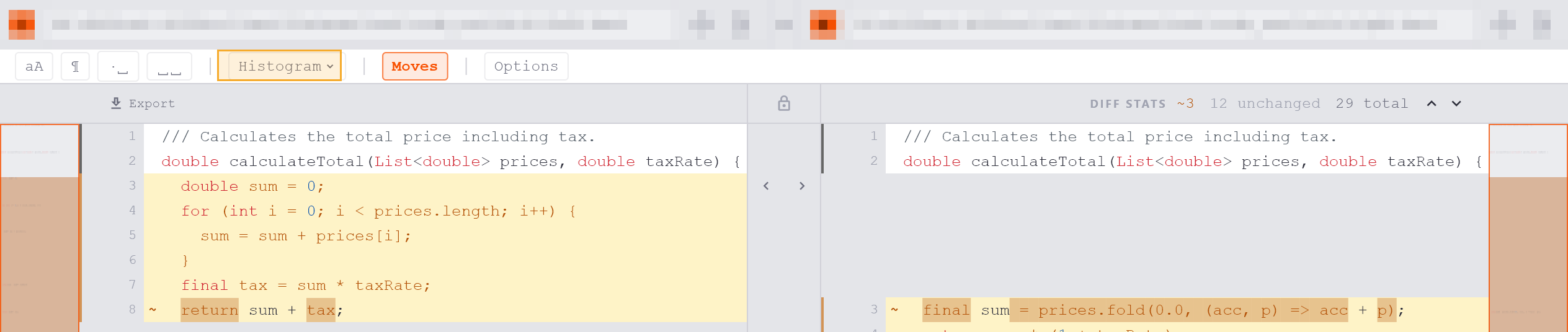
Technical summary: uses the lines with the lowest combined occurrence count as anchors (not necessarily unique), then recurses between them.
Histogram is more tolerant than Patience when no truly unique lines exist. It handles moved or reorganised blocks better than Myers because its anchors reflect rarity rather than strict uniqueness.
Best for: refactored source code where functions or sections have been reordered, renamed, or split, and the file shares many common lines across both versions.
Switching Algorithms
The algorithm selector is in the comparison options bar below the path bars. Click Myers, Patience, or Histogram to switch. The comparison re-runs immediately. The selection is per-tab and does not affect other open comparisons.