Appearance
Light and Dark Theme
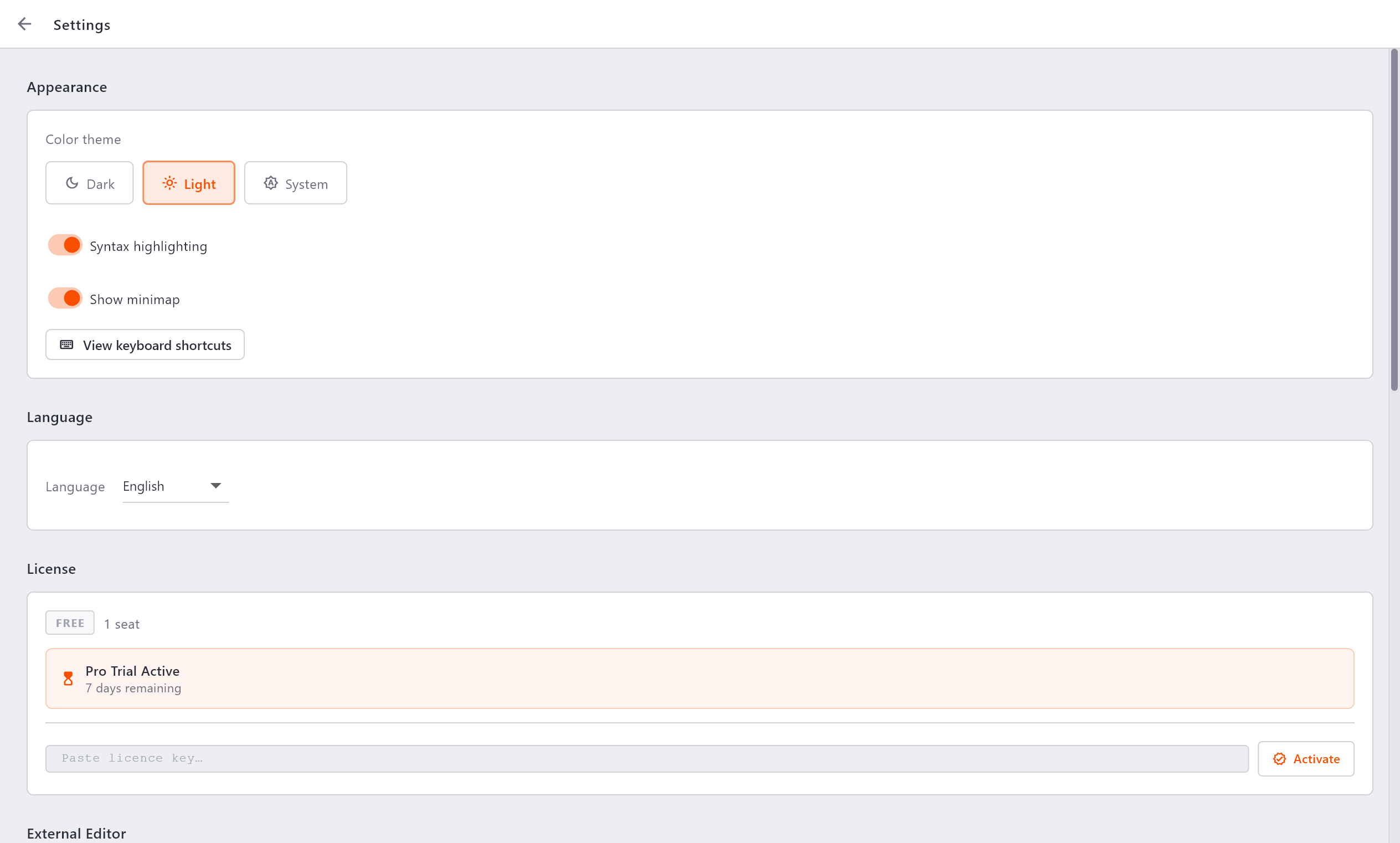
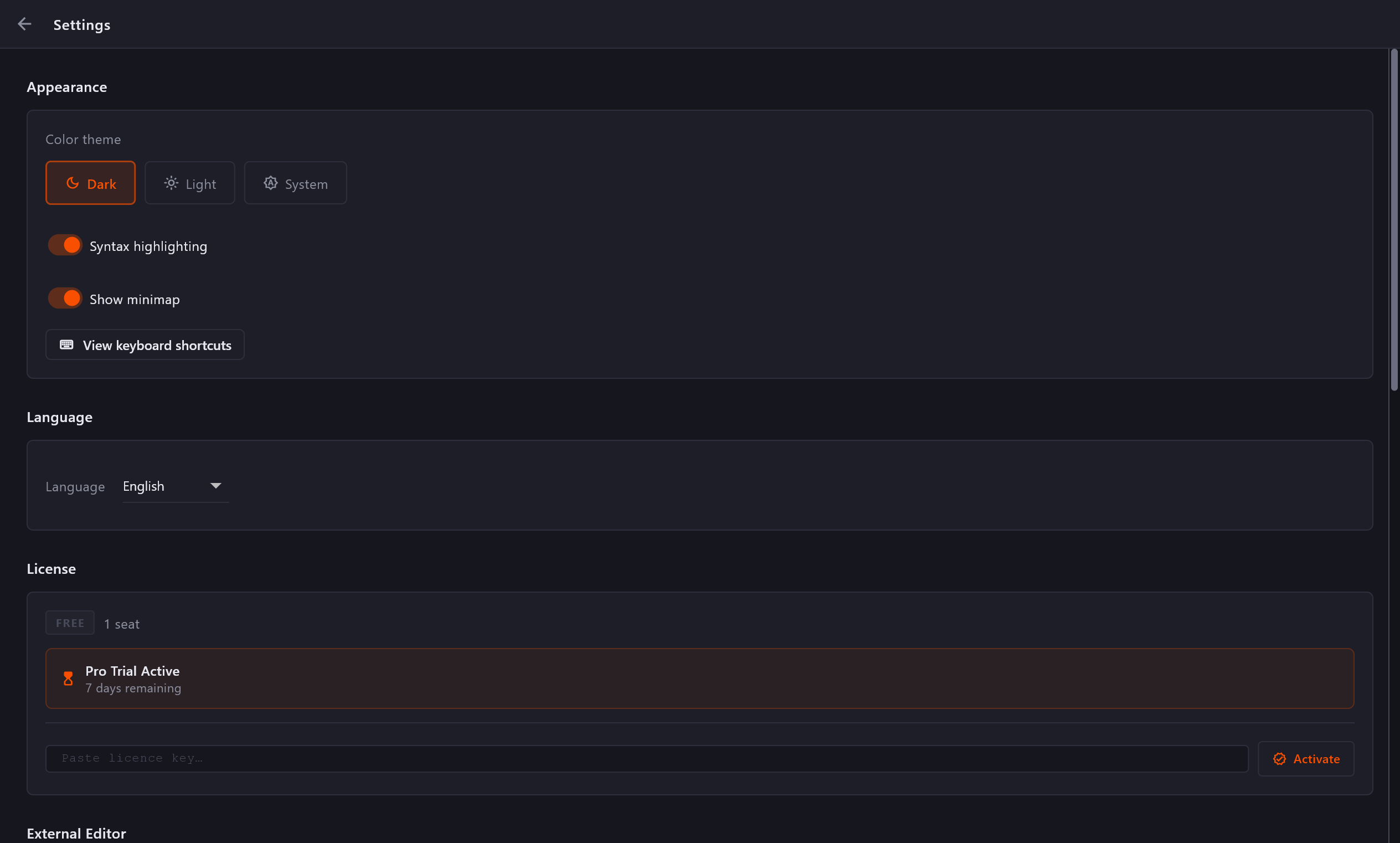
Diffract ships with a light theme and a dark theme. To switch between them:
- Open Settings (gear icon in the title bar).
- Go to Appearance.
- Click the desired theme option.
The theme applies immediately. The preference is saved and restored on the next launch.
Syntax Highlighting
Diffract applies syntax colouring to source code files in the comparison panels. Recognised languages include JavaScript, TypeScript, Python, Rust, Go, Java, Dart, and more.
To toggle syntax highlighting:
- Open Settings → Appearance.
- Use the Syntax highlighting switch.
The setting is saved globally and applies to all comparisons.
Minimap
Each panel shows a minimap strip on its outer edge - a scaled-down overview of the whole file with diff colours that helps you see where changes are concentrated without scrolling.
To show or hide the minimap:
- Open Settings → Appearance.
- Use the Show minimap switch.
The setting is saved globally.